Setup
Note
You will need to have our scoped registry added in order for Unity to find the MPF package. How to do this is documented in the general setup section.
Mission Pinball Framework integration comes as a UPM package. In Unity, add it by choosing Window -> Package Manager -> Add package from git URL:
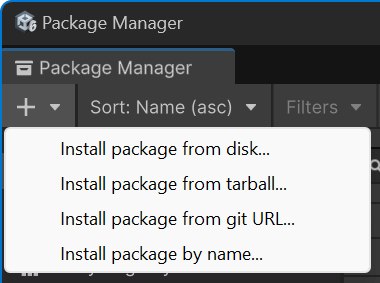
Then, input org.visualpinball.engine.missionpinball and click Add or press
Enter. This will download and add MPF itself and VPE's MPF integration to the
project.
So let's test it.